


 No Comments





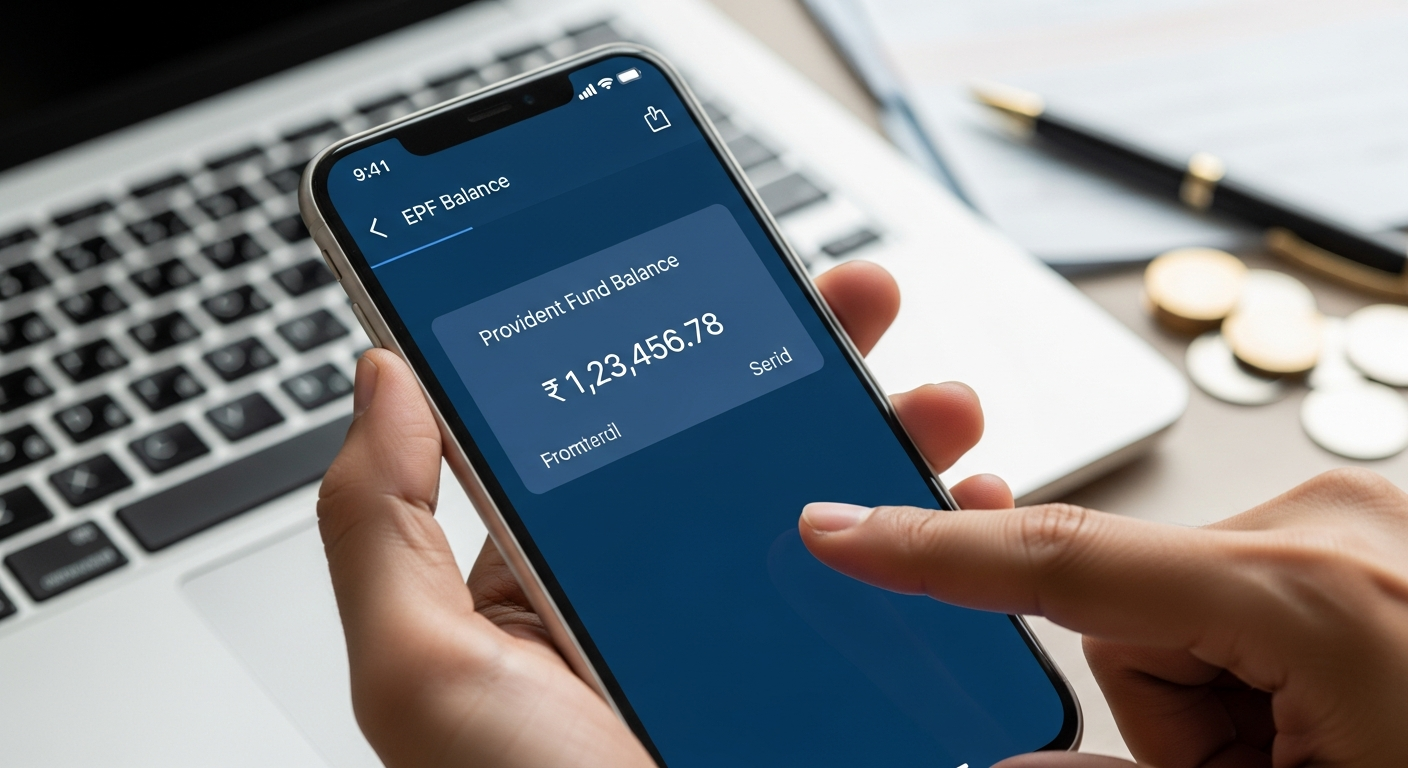
So, you need to check your Employees’ Provident Fund (EPF) balance, huh? Or maybe you’re trying to figure out the status of a claim you filed. It’s all online now, thankfully. No more trekking to offices or waiting for snail mail. This is a step-by-step guide, more of a helpful nudge, really, on how to do just that.
First things first: you’ll need to know your way around the EPFO website. That’s the Employees’ Provident Fund Organisation’s official portal. It’s where all the official stuff happens. You can also use the Umang app – a government initiative. More on that later.
Let’s start with the website. It’s pretty straightforward, but like anything online, it helps to have a little guidance the first time. You’ll need to have your UAN (Universal Account Number) handy. If you don’t know it, you can usually get it from your employer or check your salary slips. You’ll also need your password, of course. If you’ve forgotten it, there’s a way to reset it. Don’t worry; it happens.
Once you’re logged in, finding your EPF balance is usually a matter of clicking a few links. The website’s layout changes from time to time, but the basic idea remains the same. Look for a section labeled something like